How do I make an ad poster with AI for free?
Pick one message, generate a visual without text, add the headline in an editor and export at the size you need. Free tools cover each of these steps; the real discipline is keeping the poster to a single idea. Two steps stay in your hands.
One message, one visual
Write the single sentence the poster has to communicate. Ask the generator for a background or a product scene with no letters and no numbers in it, because text produced by an image model is rarely clean enough to use. Leave an empty area on purpose. A wide area of flat colour is easier to write on.
Add the text yourself
Place the headline and the call to action in any editor, using the empty space you left on purpose. Two type sizes are enough: one loud line, one quiet line. Change the words there whenever you need to, without touching the image. Keep the same font across the series so the posters look like one set.
Export at the right size
A poster you print needs print resolution and a physical format. Adrefyn produces vertical 3D-style ads for social media from your website address; it does not make print posters. For paper, use a design tool built for print sizes and check the resolution before sending to the printer. Print and screen are two different jobs.
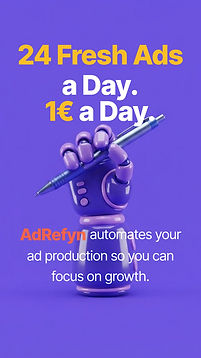
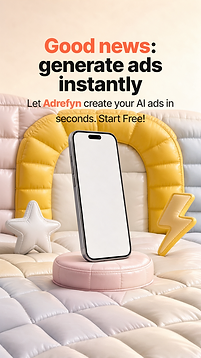

Examples made with Adrefyn